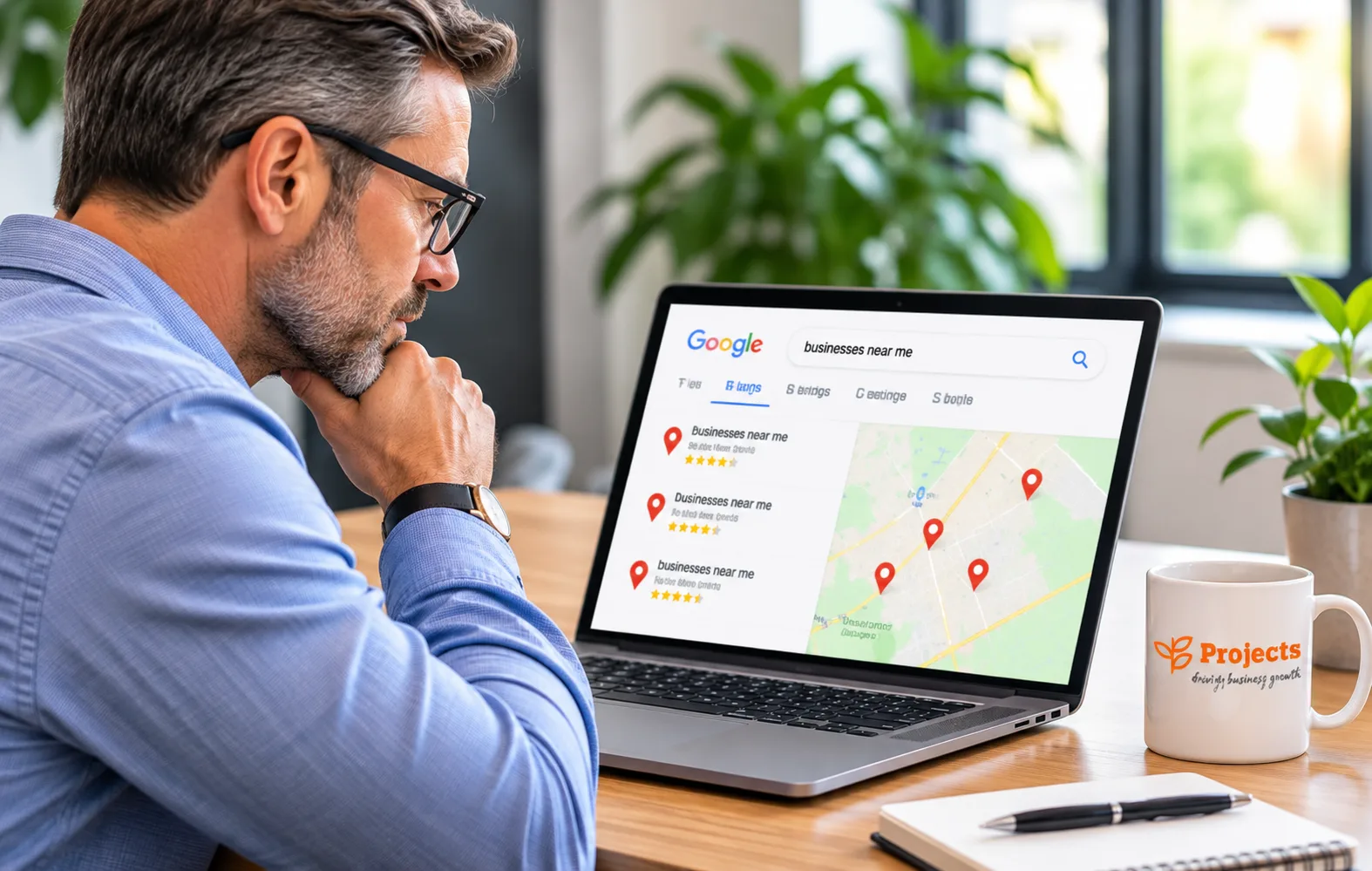
If your business isn’t appearing on Google Maps when potential customers search for your products or services, you could be missing valuable enquiries.
For many local businesses, Google Maps is one of the first places customers look when they need a nearby supplier, tradesperson or professional service.
But simply having a website or creating a Google Business Profile doesn’t guarantee that your business will appear in local search results.
So why isn’t your business showing up on Google Maps, and what can you do about it?
1. Your Google Business Profile Hasn’t Been Verified
One of the first things to check is whether your Google Business Profile has been verified.
Google uses verification to confirm that a business is legitimate and that the person managing its profile is authorised to represent it.
If your profile hasn’t been verified, your ability to appear and manage your business information on Google may be restricted.
What can you do?
Sign in to your Google Business Profile and check whether verification is required. Follow the verification process offered by Google, which may involve video, phone, email or another method.
2. You’ve Selected the Wrong Business Category
Your primary Google Business Profile category helps Google understand what your business does.
For example, if you operate a plumbing business but your profile uses a broad or unrelated category, Google may struggle to associate your business with relevant local searches.
What can you do?
Choose the most accurate primary category available and add relevant secondary categories where appropriate.
Avoid selecting categories simply because they contain popular search terms. They should accurately describe your business.
3. Your Business Information Is Incomplete or Incorrect
Google needs reliable information about your business to display it confidently in local search results.
Missing contact details, incorrect opening hours, outdated addresses and inconsistent business information can create problems for customers and search engines.
What can you do?
Review your Google Business Profile and ensure your business name, address or service area, telephone number, website and opening hours are accurate.
Where appropriate, keep your business information consistent across your website and other reputable online directories.
4. Your Business Is Too Far Away From the Person Searching
Google considers three main factors when determining local rankings:
- Relevance: How closely your business matches the search.
- Distance: How far your business is from the location used in the search.
- Prominence: How well-known and established your business appears to be.
This means your business might appear when someone searches nearby but not when another person searches from a different town.
What can you do?
Make sure your location and service-area details are accurate.
If you serve several towns, create useful website content explaining the services you provide in those areas.
However, adding more towns to your Google Business Profile service area does not automatically make your business rank in those locations.
Tips to improve your local ranking on Google
5. Your Competitors Have Stronger Local SEO
Even if your Google Business Profile is correctly configured, competing businesses may appear above you.
They might have more relevant website content, stronger local recognition, better-established online profiles or a greater number of genuine customer reviews.
What can you do?
Look at the businesses appearing prominently for your most important local searches.
Consider whether their websites provide more useful information, whether their business categories are more relevant and how effectively they demonstrate their experience.
A local SEO review can help identify areas where your business could improve.
6. Your Website Doesn’t Support Your Local Search Visibility
Your Google Business Profile and website should work together.
If your website doesn’t clearly explain what you offer, where you operate and how customers can contact you, it may be harder to establish relevance for important local searches.
For example, a business offering commercial cleaning in Birmingham should have useful content explaining its commercial cleaning services and the locations it genuinely covers.
What can you do?
Review your website’s page titles, headings, service descriptions and contact information.
Create dedicated service pages where appropriate and include location information naturally rather than repeating place names unnecessarily.
Make sure the website works properly on mobile devices, where many local searches take place.
7. Your Google Business Profile Has Been Suspended or Restricted
Sometimes a business may disappear from Google Maps because its profile has been suspended, disabled or otherwise restricted.
This can happen when Google identifies information that may not comply with its Business Profile guidelines.
Potential issues include ineligible addresses, misleading business names or other guideline violations.
What can you do?
Check your Google Business Profile dashboard for notifications.
If your profile has been suspended, review Google’s guidelines, correct any inaccurate information and follow the available appeals process.
Avoid creating duplicate profiles as a workaround.
How Can Local SEO Help Your Business Appear on Google Maps?
Local SEO focuses on improving your business’s visibility for relevant searches in the geographical areas you serve.
An effective local SEO strategy can include:
- Optimising your Google Business Profile.
- Reviewing your primary and secondary business categories.
- Improving your website’s local service content.
- Identifying relevant local search terms.
- Encouraging genuine customer reviews.
- Checking business information across online directories.
- Monitoring local search visibility and customer enquiries.
While no SEO company can guarantee a particular Google Maps position, improving your business information, website relevance and online presence can help you compete more effectively.
Need Help Getting Your Business Found on Google Maps?
If your business isn’t appearing in Google Maps, or your competitors consistently rank above you, it may be time to review your local SEO.
At Projects Research, we help businesses identify opportunities to improve their online visibility through SEO, Local SEO and website optimisation.
Whether you need help improving your Google Business Profile, targeting local customers or understanding why your competitors appear above you, we can review your current online presence and recommend practical improvements.
Contact Projects Research to discuss a Local SEO review and discover how we could help more potential customers find your business.


Leave a comment